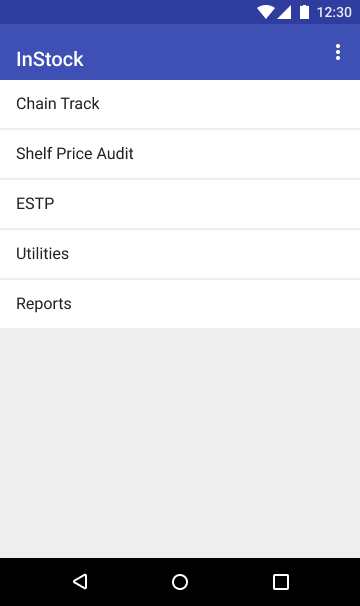
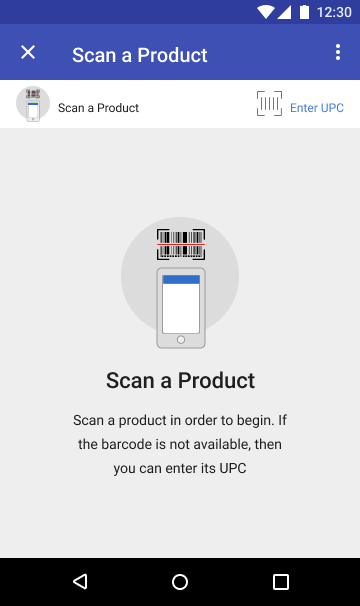
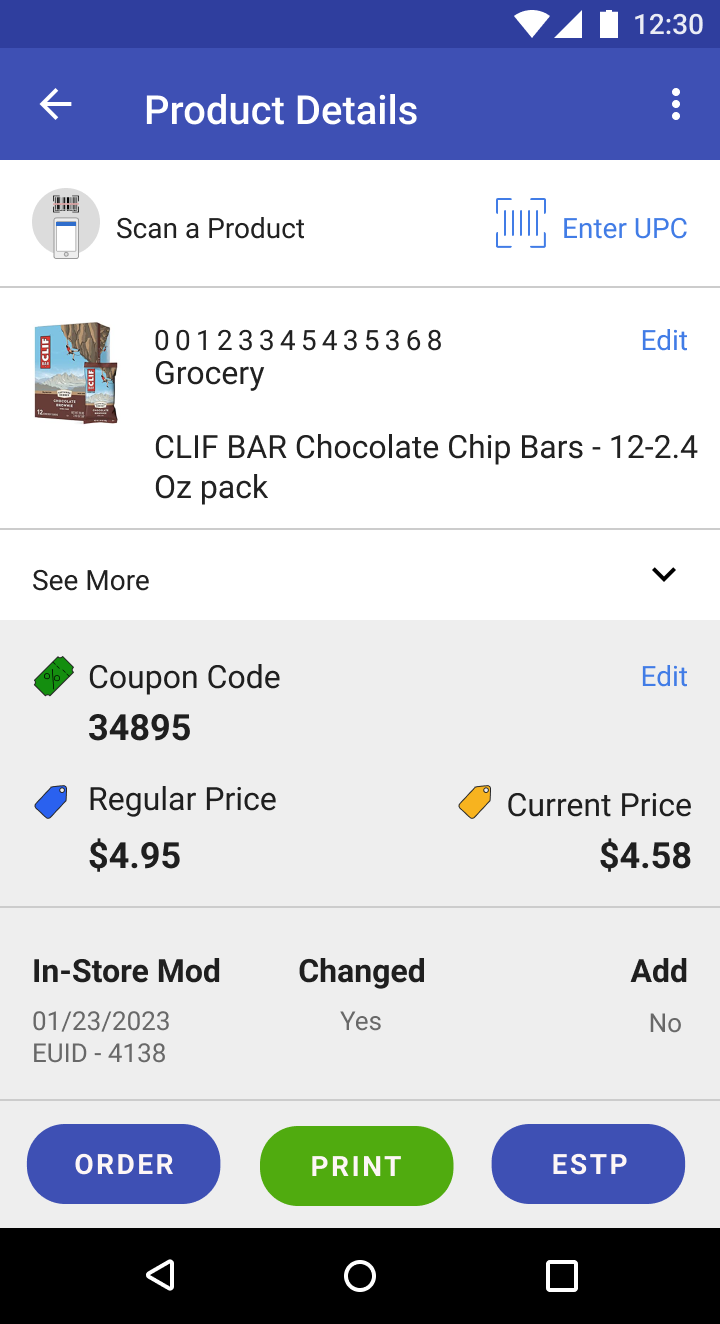
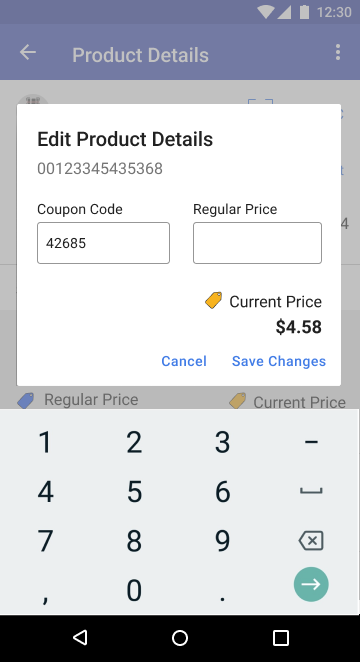
Shelf Price Audit
|
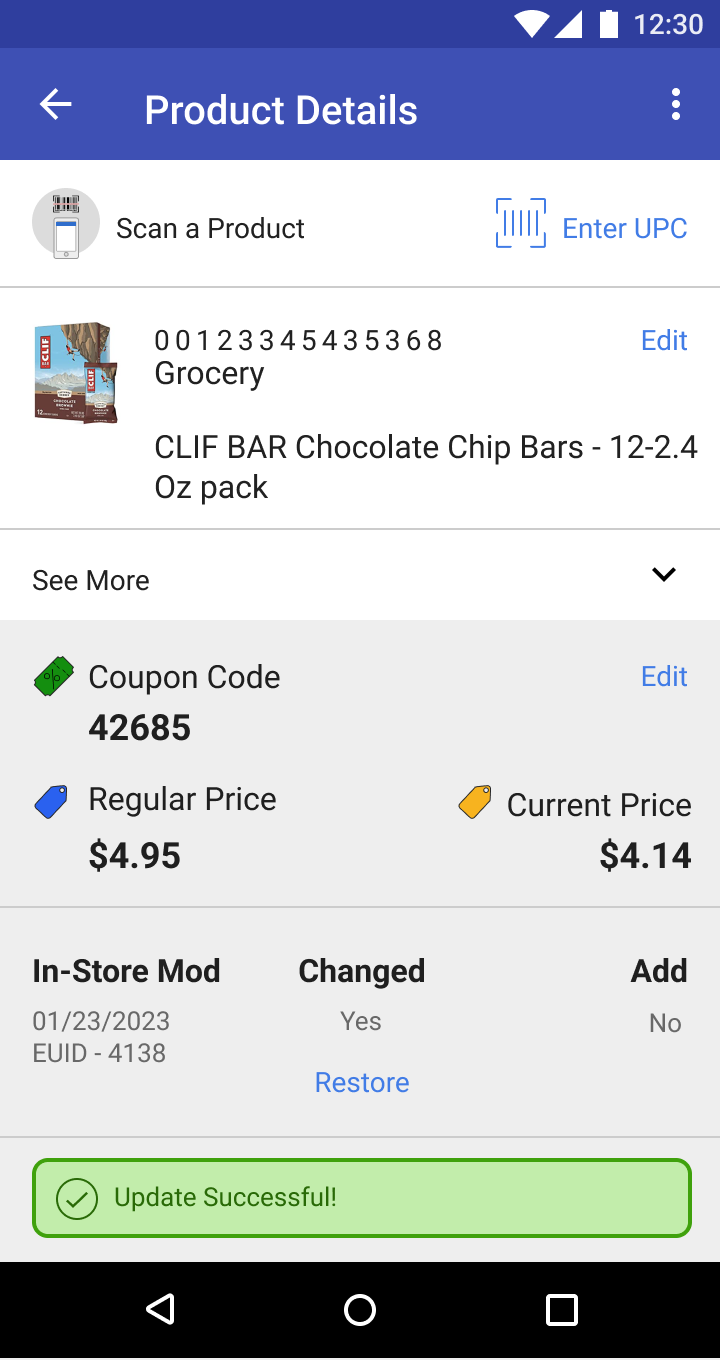
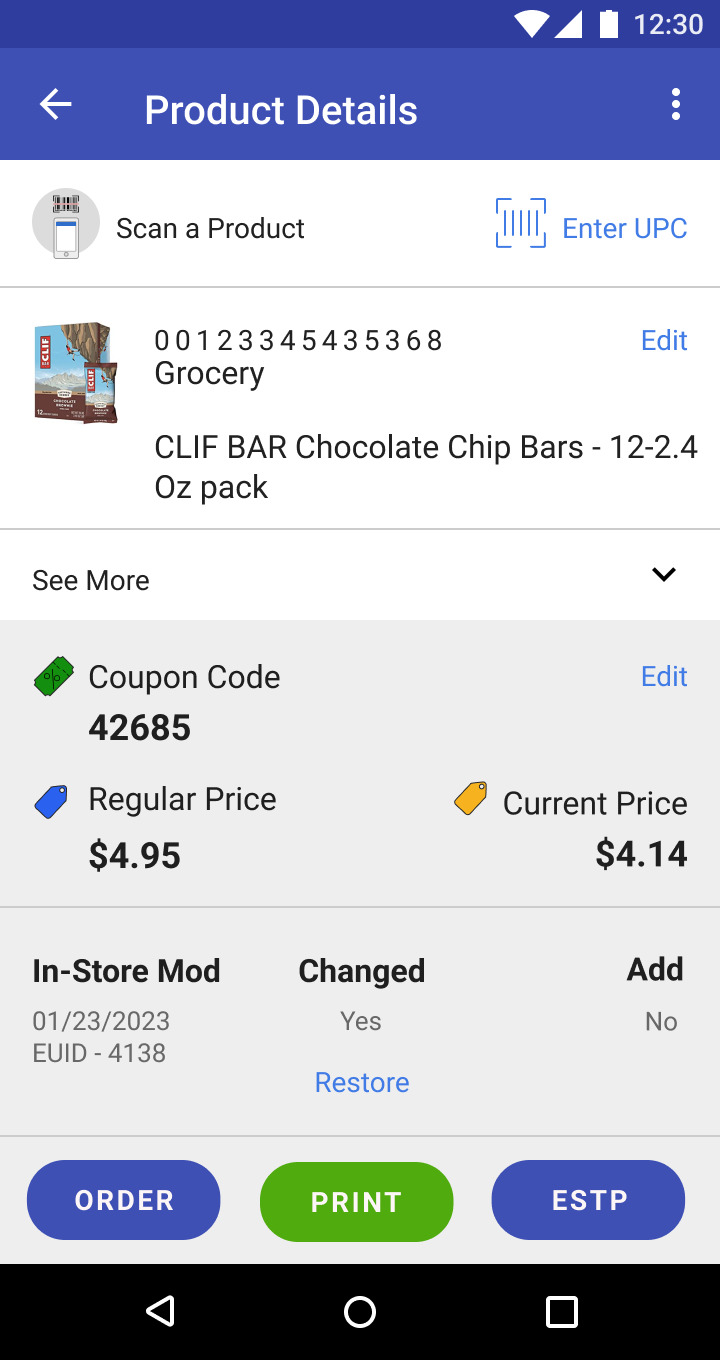
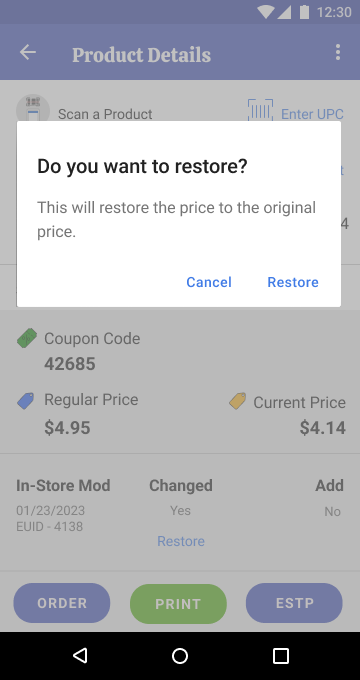
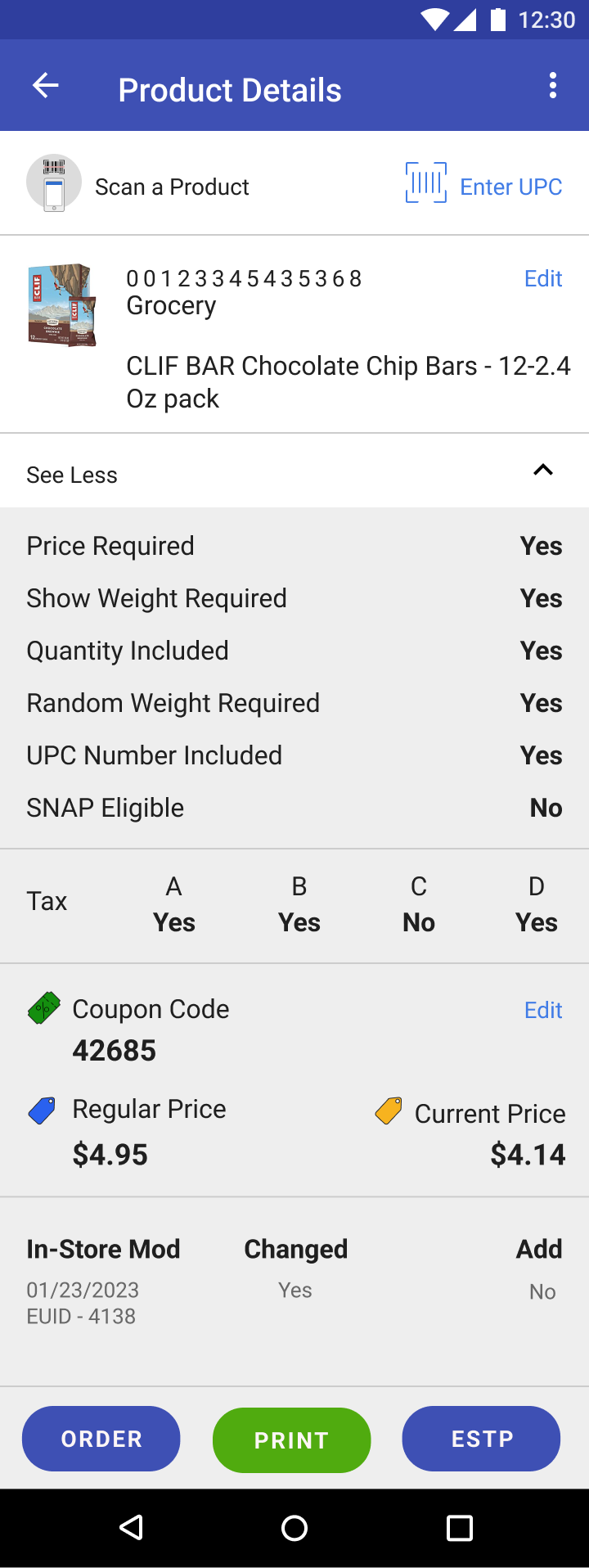
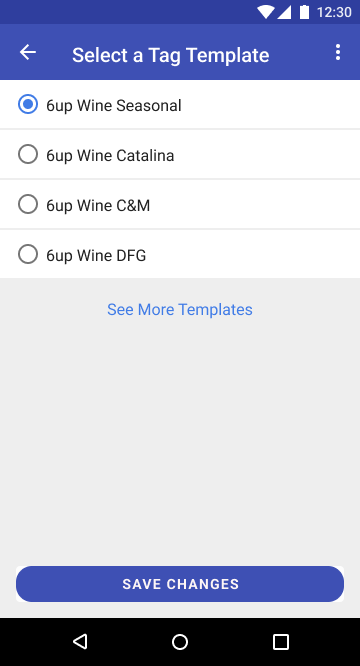
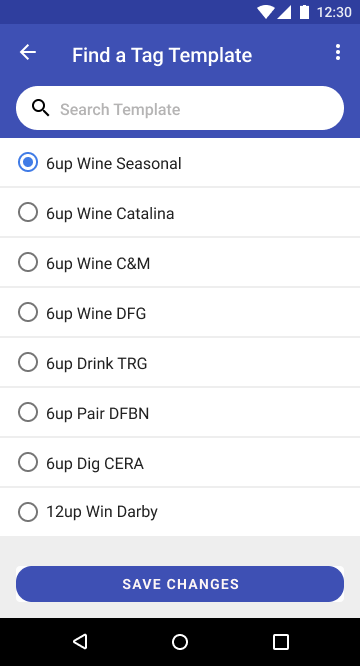
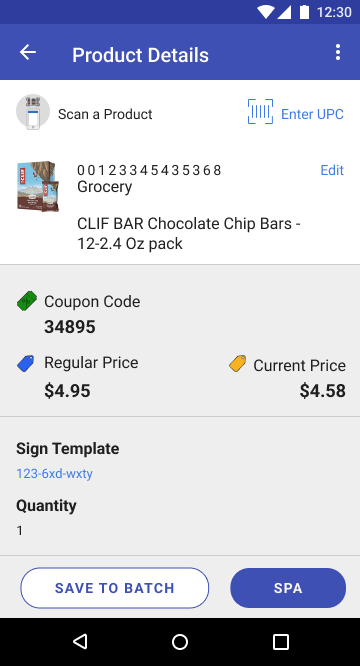
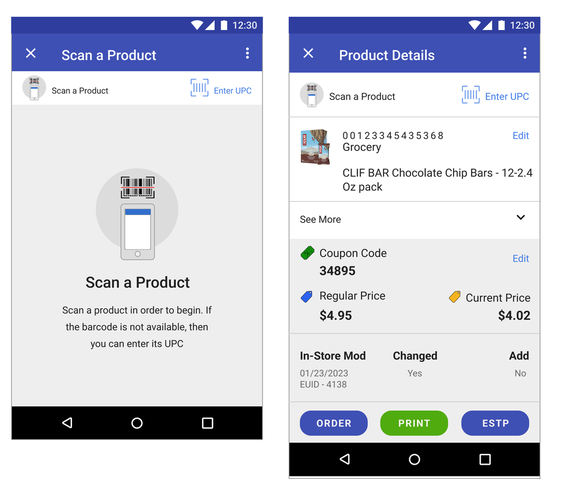
The Shelf Price Audit tool is part of the Kroger's InStock suite of applications that allowed store associates to update prices of items, print shelf tags on the mobile printer and update templates for tags.
|
|
My Role
I was the solo and lead product designer for this project with the task of designing the end-to-end experience of the product, discovery, user research, prototyping, and testing.
The Challenge
The challenge was how to get users to adopt a digital process on Android platform by incorporating multiple features; product scan and product details, price audit, print tags, change tag templates, and all the while getting store associates to engage and adopt this application over previous versions.
User engagement and streamlining multiple complex features in one application were critical aspects of this effort.
User engagement and streamlining multiple complex features in one application were critical aspects of this effort.
Research: User Discovery and Associate Interviews
In order to better understand key insights from the business owners, I conducted multiple discovery sessions. I developed personas for associate and store manager who would be typical users of this application and use cases. Also, we conducted user research on the prototype with store associates who were typical users of this application.
1) Store Leader
2) Store Associate
Key Insights from the user interviews
1) Store Leader
- Responsible for making sales promotions on various items in the store
- Provides list of coupon codes to Michael to apply to items as part of sales promotions
- Responsible for signs pertaining to promotional items so she needs to be able to change and review design templates for signs before printing them to put on sales floor.
2) Store Associate
- Performs price audit of items on the shelf
- He typically has a list of coupon codes to apply to an item to update its price due to store sales and promotional campaigns
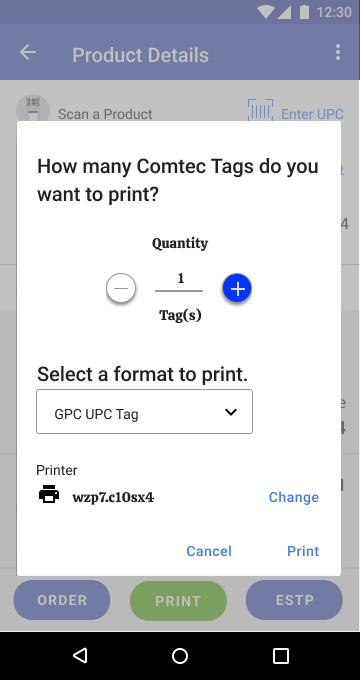
- He can print Comtec tags right from the mobile printer on the sales floor. For signs, he has to print it from upstairs printer
- There is a list of items in the queue he goes through and every time he prints, it's saved to a batch or he can save it manually
Key Insights from the user interviews
- Associates found the home page to be useful and easy to navigate
- There were some confusion over selecting tag and sign templates and its implications on the store
- There were some confusion over batch selections and tag/sign templates
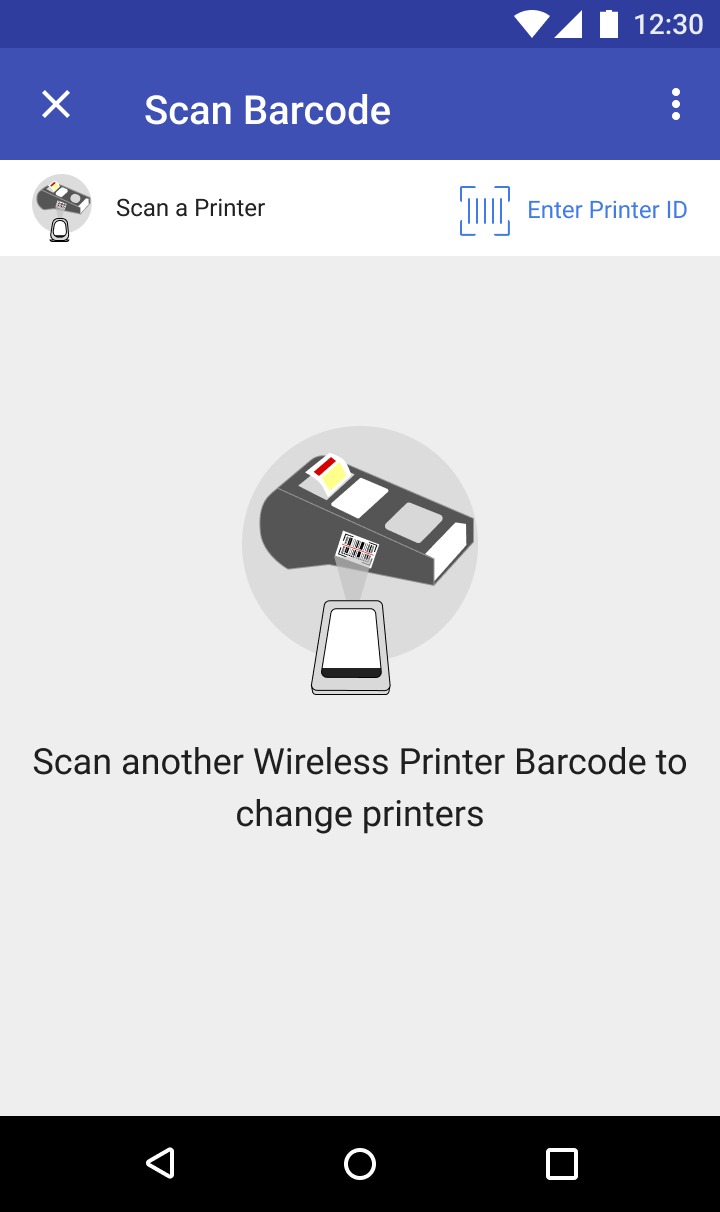
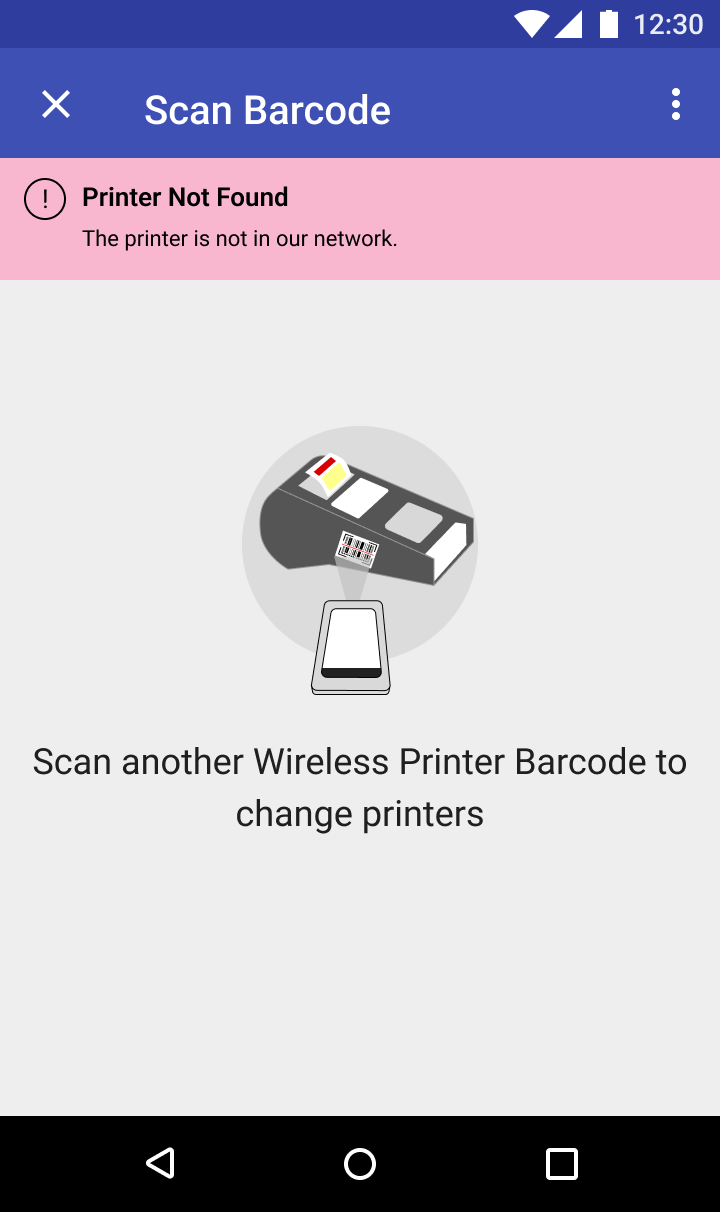
- Associates liked the ability to change printers on the fly in terms of instructions to pair to the new printer by scan or entering printer name
Final Designs
The user interviews and the two personas helped to inform the final designs of the SPA application. Here are some key design decisions I made based on the research.
- Context-driven approach to performing price audits on products on the shelf
- Create a hub where associate can take action, review product details and get alerts about important information
- Easy to use navigation utilizing modal layer template