JAWID ELYACY | USER EXPERIENCE DESIGN
  • Home
  • UX/Visual Design
    • Shelf Price Audit
    • PIT Inspection
    • Task Manager
    • TRMS Content Management System
    • Request for Information
    • ECHO Refund Transparency
    • Last Mile Flash Delivery
    • Mobile Wallet
    • Fast Track
    • Erica AI Assistant
    • Single Service Card Experience
    • Smart Services User Experience
    • Pet Adoption
  • Contact Me
  • About Me

PIT Inspection at Deloitte | Lead UX Designer

CONVERTING PIT INSPECTION FROM FR HANDHELD TO ZEBRA DEVICE

​Overview:
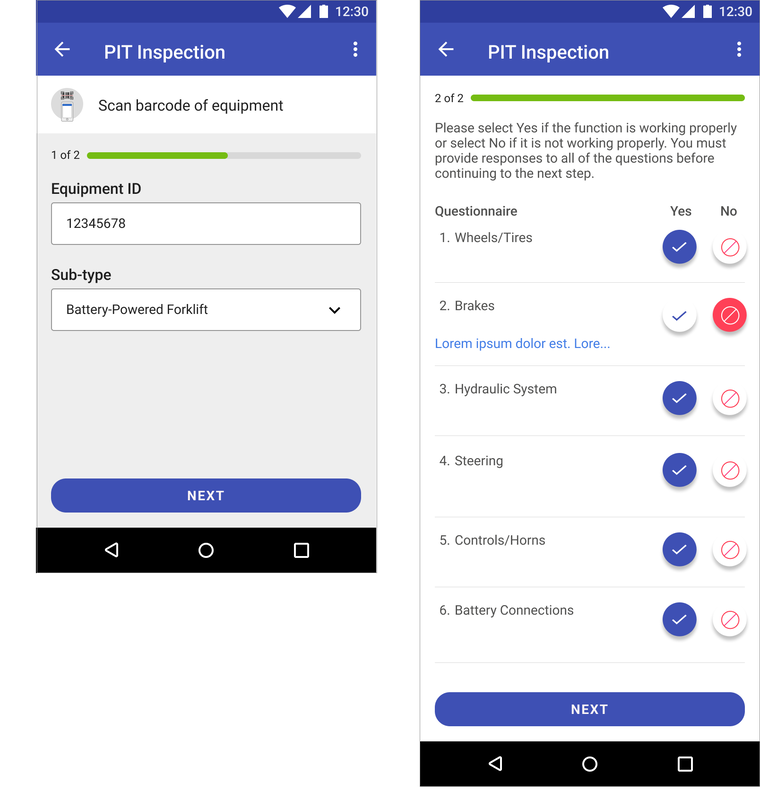
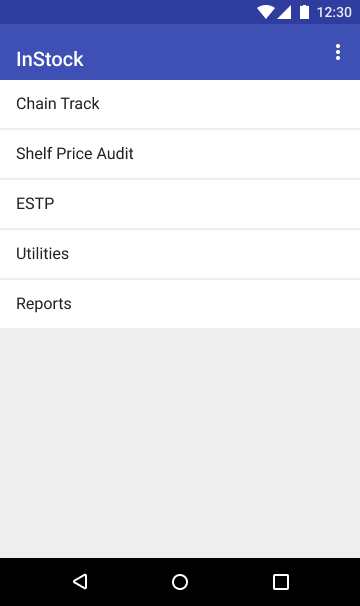
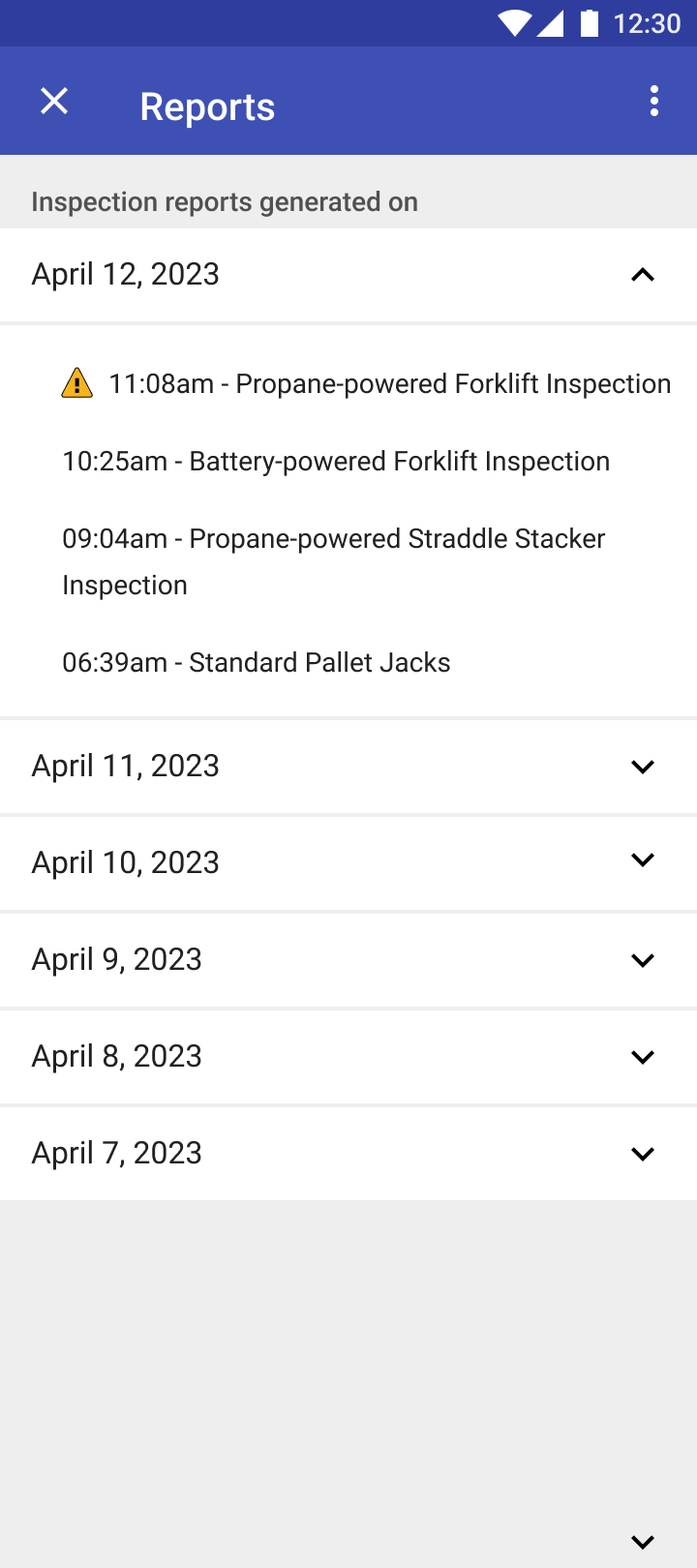
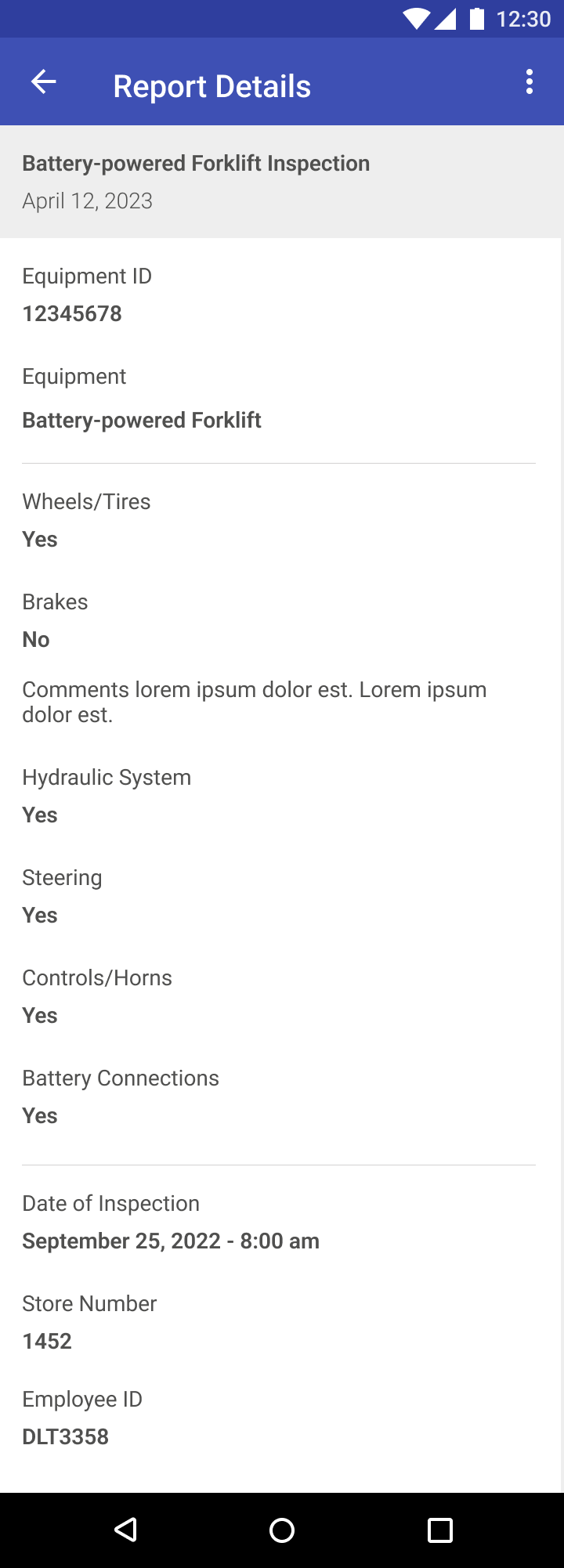
The PIT Inspection tool is part of the Kroger's Compliance suite of applications that allowed store associates to inspect Powered Industrial Trucks (PIT) by scanning each vehicle and recording their responses on the app to meet the store and OSHA safety guidelines.


Expertise: Service Design, CX Strategy, User Research
Picture

 My Role

My role was a product designer responsible for discovery, user research, design, prototyping and testing.

The Challenge

The challenge was how to get users to adopt a digital process for inspection of PIT vehicles and sending results back to store leadership to fix the vehicles, if necessary, and communicate to associates.

Research: Discovery, Personas and Associate Interviews

My approach was to create an engaging experience for stakeholders to provide insights and develop personas in the discovery phase. I wanted to map the current end-to-end PIT inspection process and identify associate pain points with the process. From there, I aimed to create a new intuitive and user-centered process for handling identifying and tracking PIT vehicles, actual inspecting the criteria for each PIT vehicle, notifying store management of inspection results and providing associates with tools to help them conduct inspections and respond to local vs. global issues with the vehicles. To do this, I started to gather insights, develop personas for associate and store manager - who would be typical users of this application, map the current user journey and develop use cases for the wireframes. By following this approach, we were able to uncover insights regarding the problem at hand. It also helped in designing a better user flow for conducting PIT inspections and identifying interactions between associate facing and backend systems.
Picture

Step 0: Breakout Teams

Picture

Step 1: Plan and Ideate

Picture

Step 2: Personas

Picture

Step 3: (Current) User Journey

Here are some insights in discovery sessions:
  • What is current method for performing PIT inspections?
  • How can we tell what was specifically the issue of the component when it failed inspection?
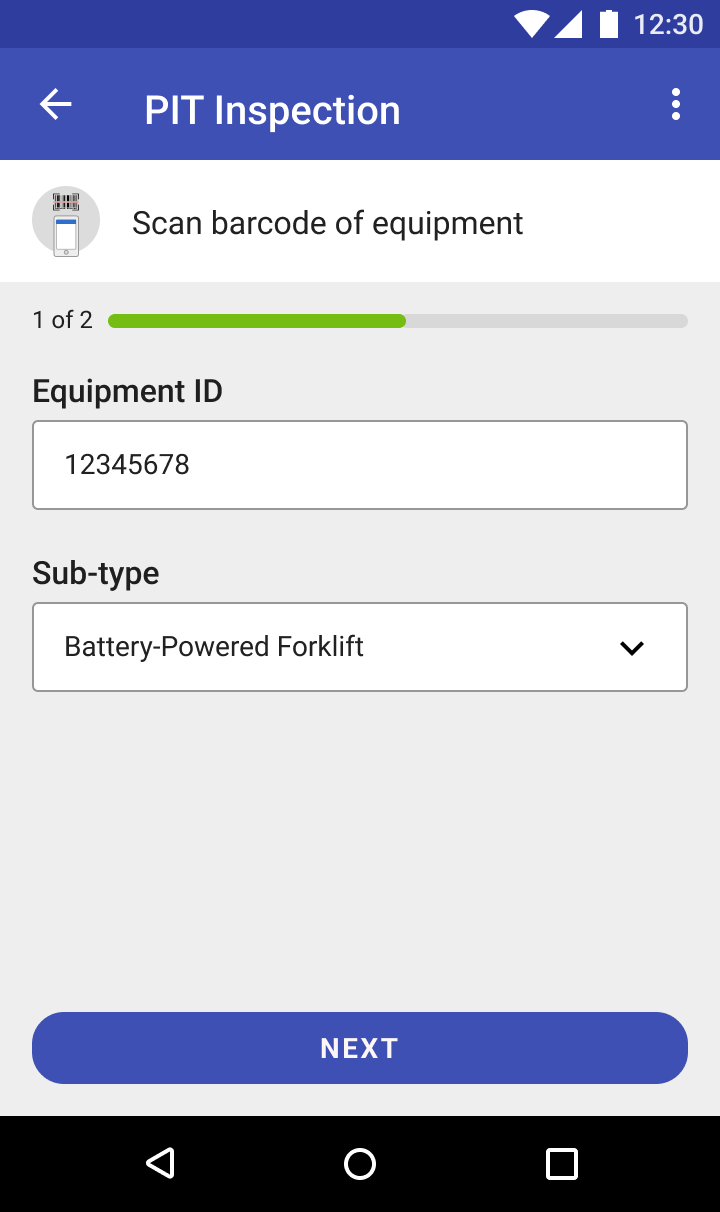
  • How can we validate the equipment ID since most associates are free to enter any value (no validation on type of character; alphabetic or numeric, or number of characters)
  • What is the notification process for failed inspections?
  • How can we tell if a vehicle failed inspection if no one has locked/tagout the vehicle?
Key Insights from user interviews:
  • Associates like the ability to input details about a failed inspection so it's more clear as to what was the issue
  • Associates expected that they can easily inspect a PIT vehicle across many components in a single hub
  • The ability to view tutorials to an inspection component was especially liked by associates
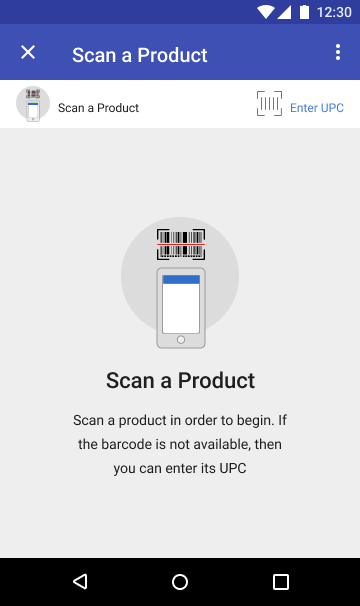
  • Incorporating QR code into the equipment ID process allowed us to track the equipment and accurately validate the inspections
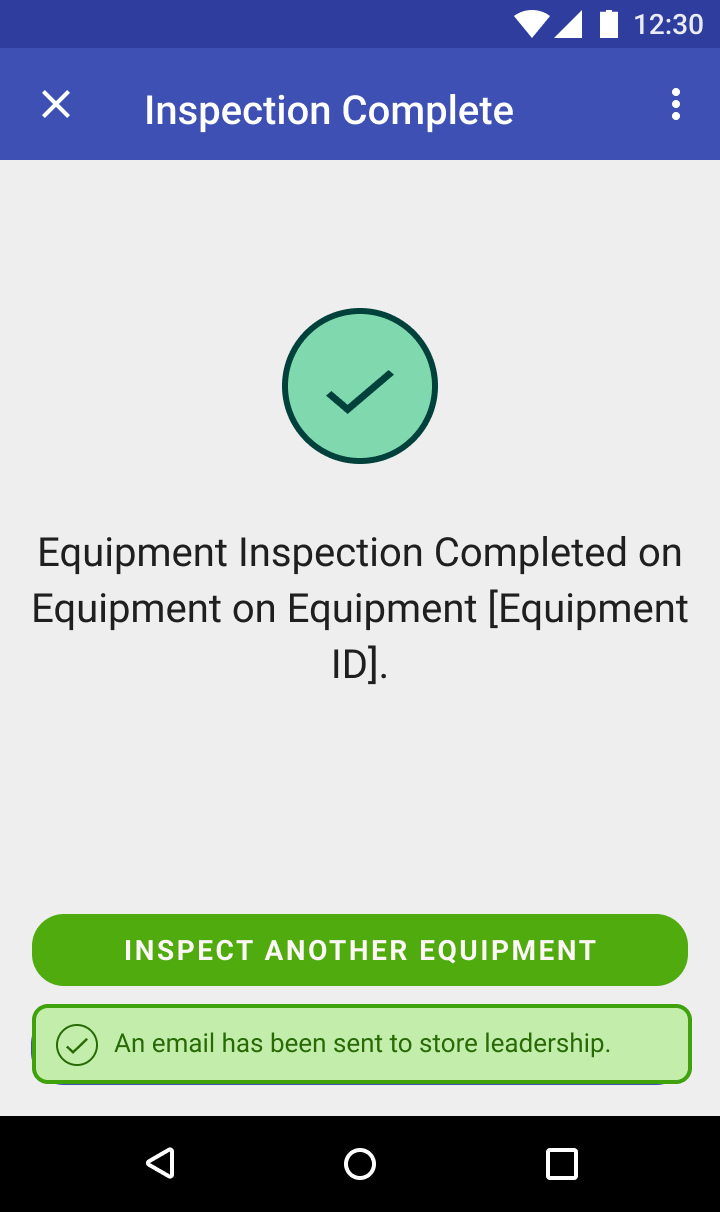
  • Associates expected a seamless notification process to store leadership about failed inspections and to other associates to prevent them from using a vehicle that failed inspection

Final Designs

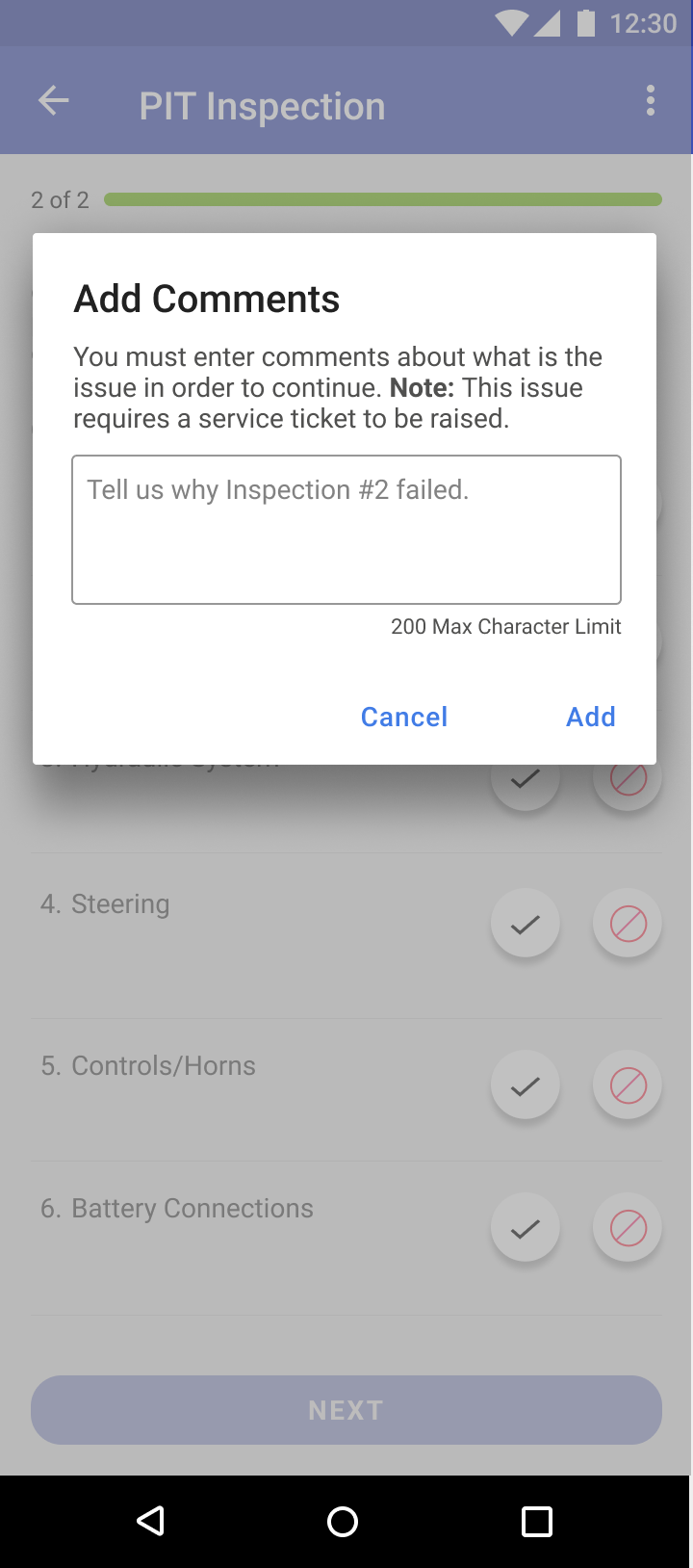
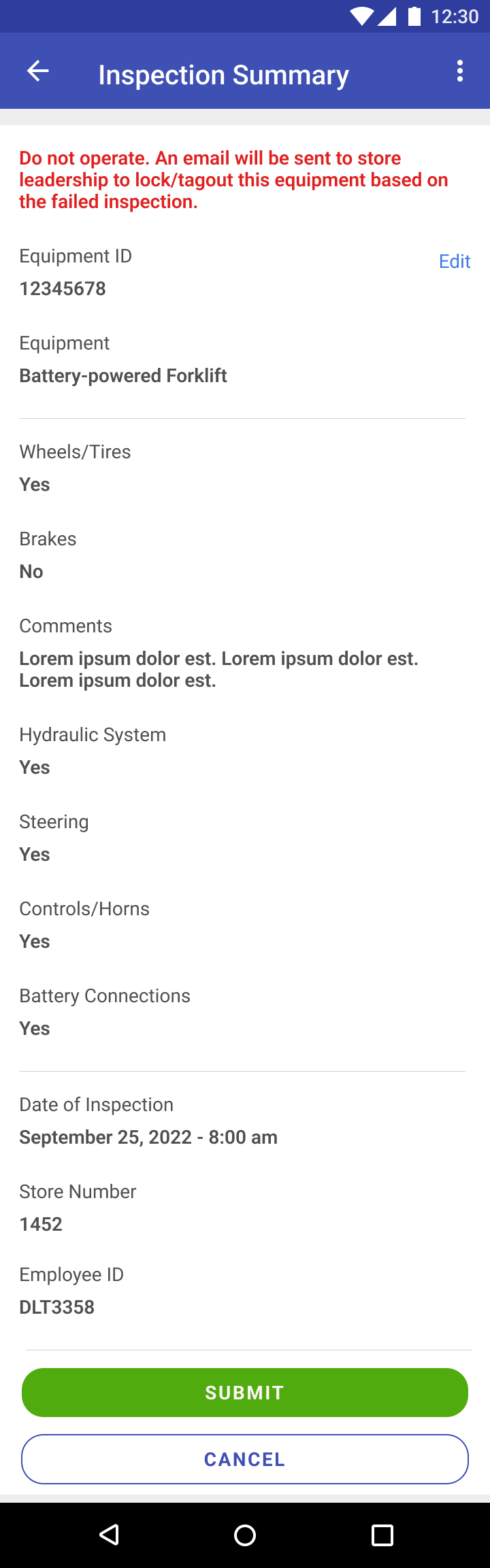
The user interviews and the two personas helped to inform the final designs of the PIT Inspection application. Here are some key design decisions I made based on the research.
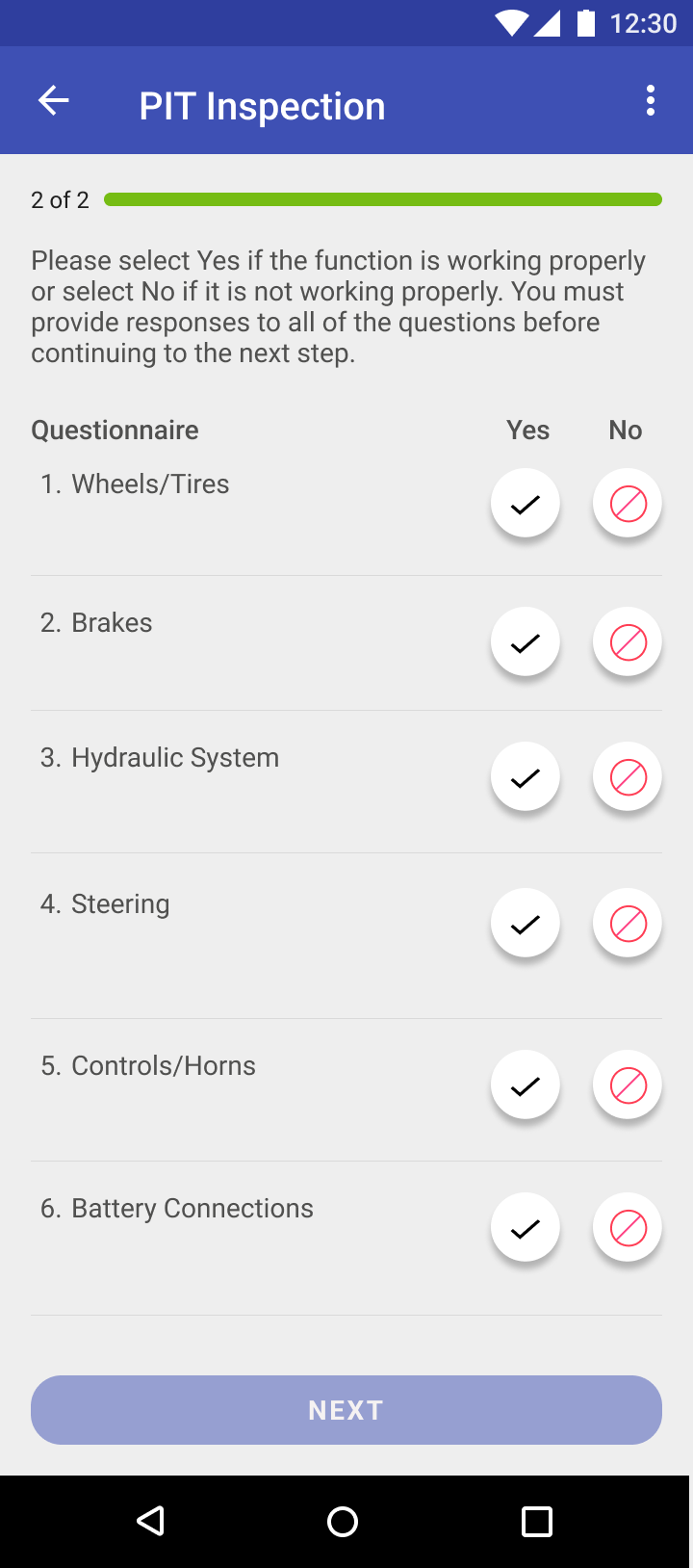
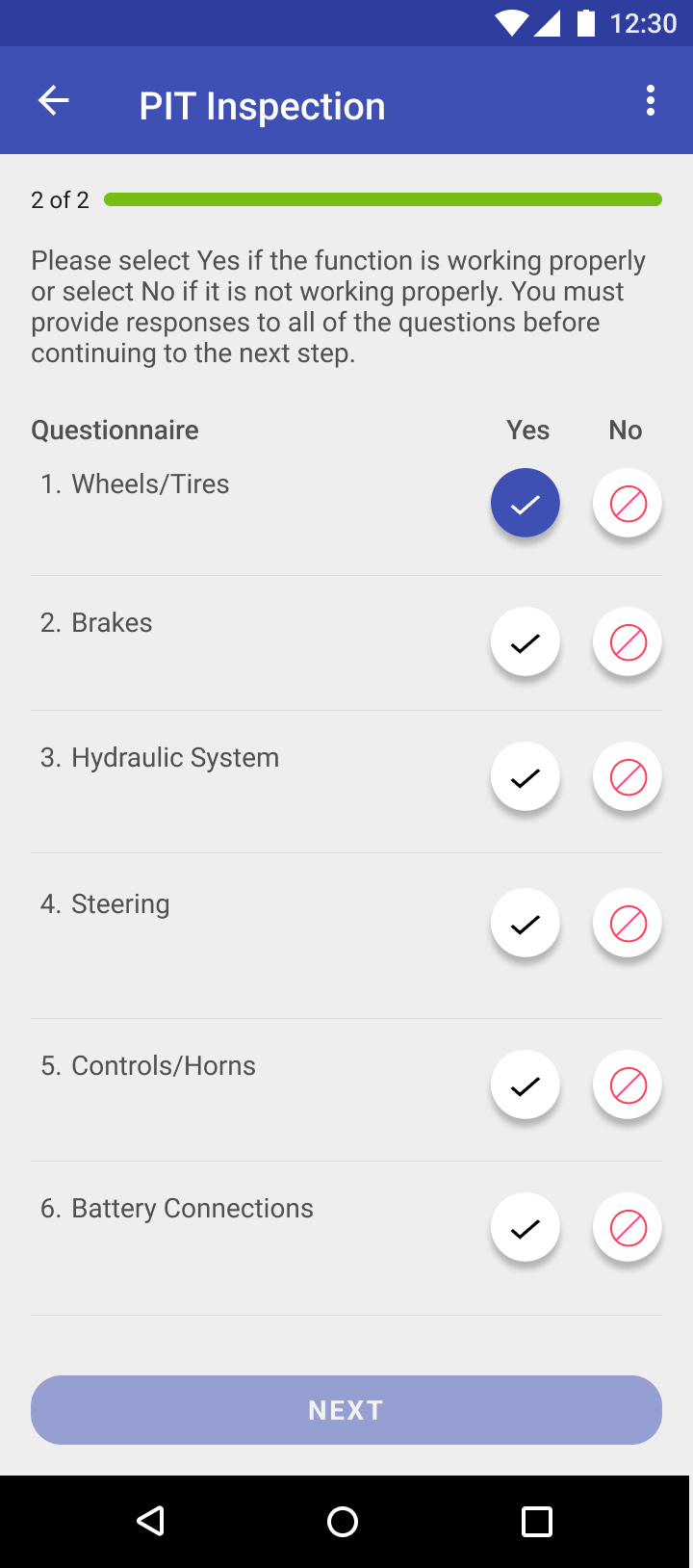
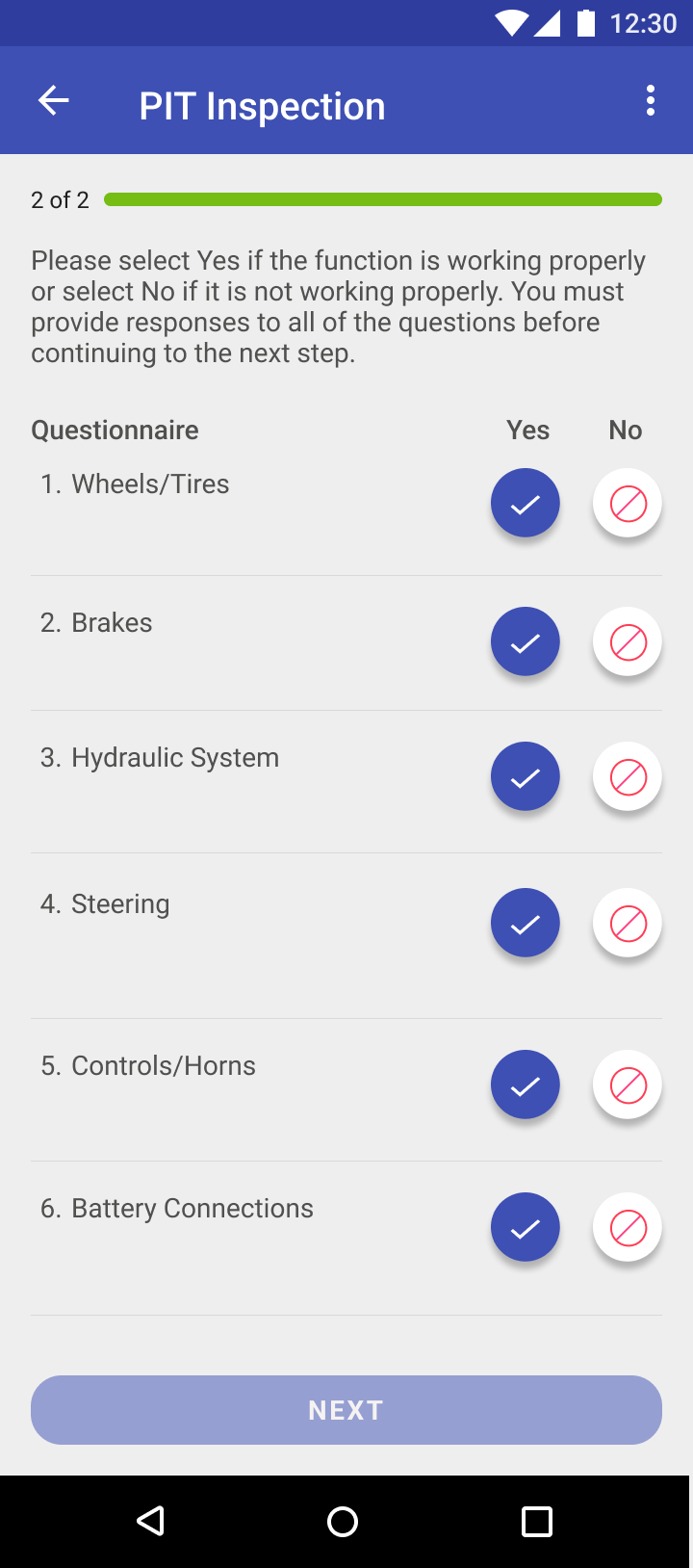
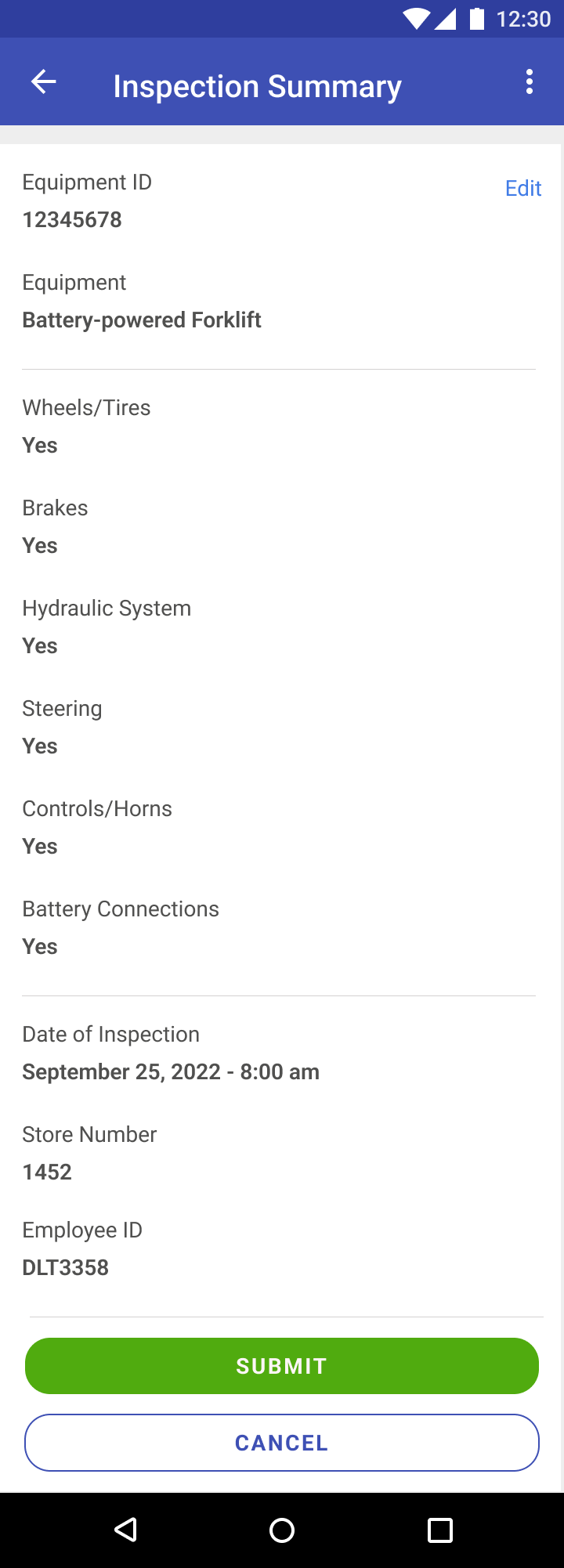
  • Context-driven approach to performing tasks
  • Provide seamless navigation to tutorials and updating associate responses and provide avenues for all profiles (novice, advanced)
  • Intuitive and simple inspection process by validating equipment by scanning the equipment ID rather than manual entry
  • Easy to use navigation utilizing modal layer template​

Reflections

The visioning workshops helped a great deal to get a better sense of the challenges and people’s understanding of the functionality of this tool. During the user journeys, one of the things I discovered were opportunities in notifications between associate, store management and technician. There were two separate systems maintaining the inspections and submitting a service ticket for a failed inspection. Kroger was moving to a new system called Maximo that was more robust than the previous system.
​
There were other products in the roadmap that could follow a similar flow like PIT vehicles. For example, bakery ovens, balers, conbi ovens, deli and cheese slicers and meat grinders. PIT inspection designs proved to be successful and Kroger ordered further projects around equipment inspection that would follow a similar flow to PIT equipment. We were able to successfully win those contracts with Kroger to start designing the experience for the other equipments.
next project
© COPYRIGHT Jawid Elyacy 2025 ALL RIGHTS RESERVED.
  • Home
  • UX/Visual Design
    • Shelf Price Audit
    • PIT Inspection
    • Task Manager
    • TRMS Content Management System
    • Request for Information
    • ECHO Refund Transparency
    • Last Mile Flash Delivery
    • Mobile Wallet
    • Fast Track
    • Erica AI Assistant
    • Single Service Card Experience
    • Smart Services User Experience
    • Pet Adoption
  • Contact Me
  • About Me